
Introduction
If you're a digital nomad, frequent traveler, or expat living between countries, tracking your tax residency is not optional—it's essential. One miscounted day could trigger unexpected tax obligations in a high-tax country or lead to penalties for non-compliance.
The 183-day rule is used by most countries to determine tax residency. Spend 183 days or more in a country during a tax year, and you typically become a tax resident there. But how do you accurately track every single day across multiple countries, time zones, and trips?
In this comprehensive guide, we'll explore five proven methods for tracking tax residency in 2026, from old-school pen and paper to cutting-edge automated tools. By the end, you'll know exactly which method fits your lifestyle and keeps you compliant.
Why Accurate Tax Residency Tracking Matters
Before diving into the methods, let's understand what's at stake.
The Consequences of Miscounting
Financial penalties: Many countries impose hefty fines for failing to report tax residency correctly. In the UK, for example, penalties can reach £3,000 or more for incorrect self-assessment.
Double taxation: Without proper tracking, you might accidentally become a tax resident in two countries simultaneously. While tax treaties exist to prevent double taxation, proving your actual residency requires meticulous records.
Visa complications: Some countries require proof of tax residency for visa renewals or residency permits. Without accurate records, you could face visa denials or deportation.
Audit nightmares: Tax authorities can audit your residency status years after the fact. If you can't prove where you were on specific dates, you'll be at their mercy.
What You Need to Track
To maintain accurate tax residency records, you need to document:
- Entry and exit dates for every country
- Total days spent in each country per tax year
- Supporting evidence (boarding passes, hotel receipts, passport stamps)
- Tie-breaker factors (permanent home, center of vital interests, habitual abode)
Now let's explore the five methods to track all of this effectively.
Method 1: Manual Tracking (Pen and Paper)
How It Works
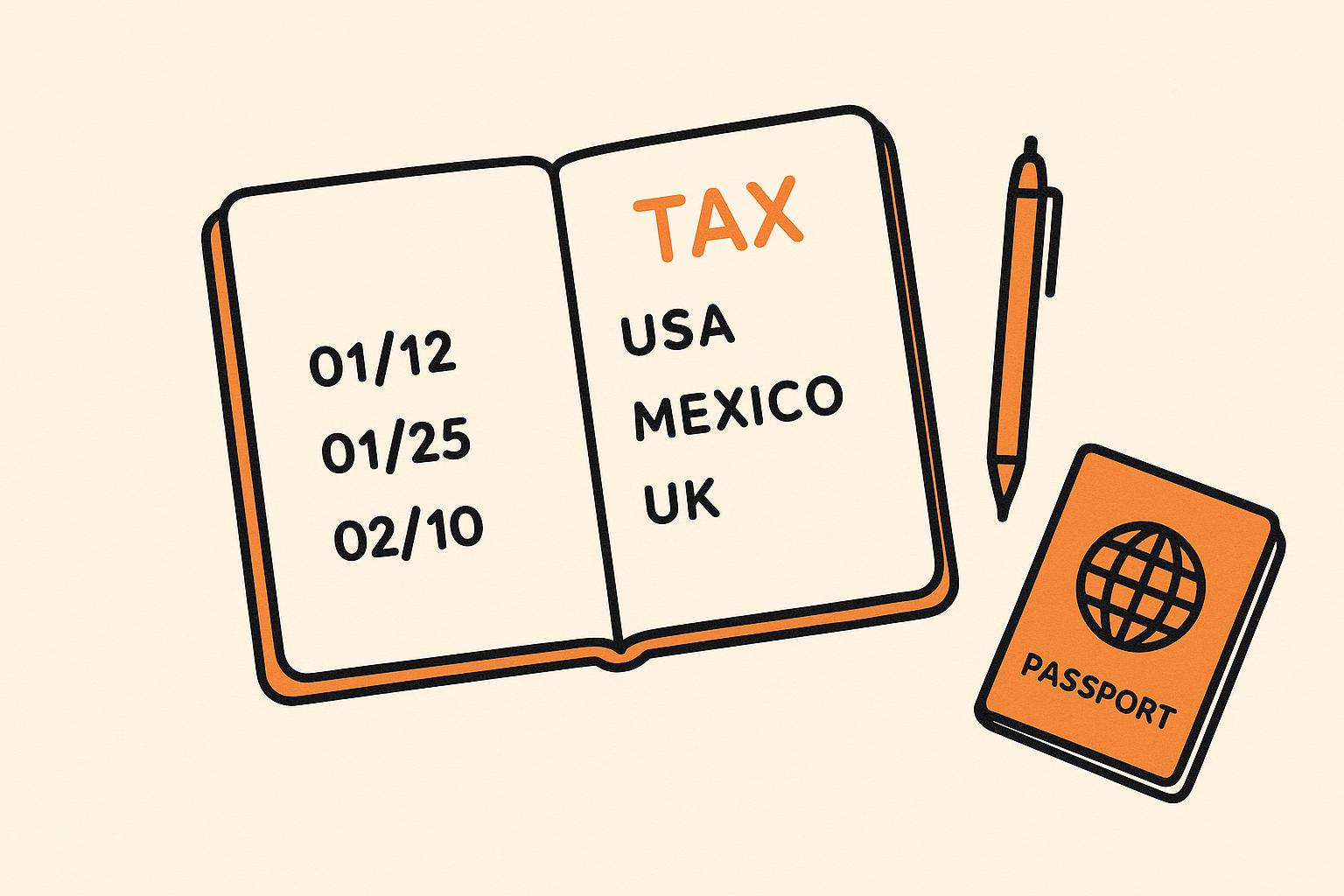
The most basic method: keep a physical notebook or journal where you manually record every country entry and exit date. At the end of each month or year, you count up the days spent in each location.
Pros
Simple and accessible: No technology required. Anyone can start immediately with just a notebook.
No privacy concerns: Your data stays offline and completely private.
Tangible backup: Physical records can serve as evidence during tax audits.
Works anywhere: No internet connection or battery needed.
Cons
Time-consuming: Manual counting is tedious, especially with frequent travel.
Error-prone: Human calculation mistakes are common, especially when dealing with overlapping tax years or partial days.
No automation: You must remember to log every trip manually.
Difficult to visualize: Hard to see patterns or get quick summaries without additional work.
Risk of loss: If you lose your notebook, you lose all records.
Best For
- Infrequent travelers (1-3 countries per year)
- People who prefer offline methods
- Backup documentation alongside digital methods
How to Implement
- Choose a dedicated notebook - Use a bound journal, not loose papers
- Create a simple template:
Date: [DD/MM/YYYY] Country: [Name] Entry/Exit: [Circle one] Notes: [Flight number, hotel, etc.] - Log every movement immediately upon arrival or departure
- Count monthly - Tally days at the end of each month
- Store safely - Keep in a secure location, consider scanning pages
Verdict
⭐⭐☆☆☆ (2/5)
Manual tracking works for simple cases but becomes impractical for digital nomads visiting multiple countries. The risk of calculation errors makes it unreliable for critical tax decisions.
Method 2: Excel or Google Sheets
How It Works
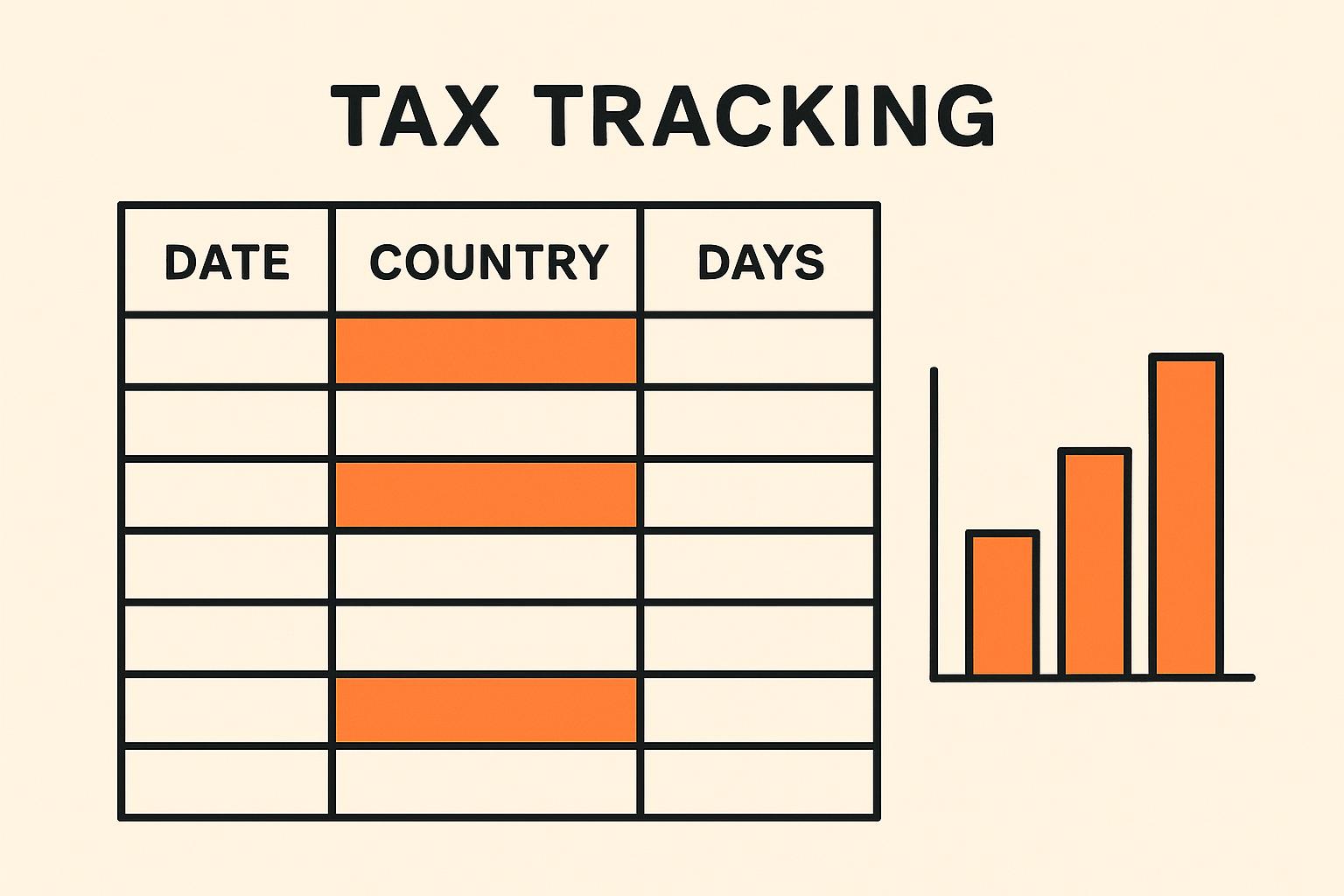
Create a spreadsheet with columns for dates, countries, entry/exit status, and automatic day calculations. Use formulas to count days per country and visualize your residency status.
Pros
Automated calculations: Formulas eliminate manual counting errors.
Customizable: Tailor the spreadsheet to your specific needs and tax situations.
Visual insights: Charts and conditional formatting show residency status at a glance.
Accessible: Google Sheets works on any device with internet.
Free: Both Excel and Google Sheets are widely available at no cost.
Shareable: Easy to share with accountants or tax advisors.
Cons
Requires setup time: Creating an effective spreadsheet takes initial effort.
Manual data entry: You still need to input every trip manually.
No reminders: Won't prompt you to log entries.
Complex formulas: Calculating partial days, overlapping years, and multiple countries requires spreadsheet expertise.
No automatic backups: (Excel only) Risk of file corruption or loss.
Best For
- Moderate travelers (3-6 countries per year)
- People comfortable with spreadsheets
- Those who want customization without paying for apps
How to Implement
Here's a ready-to-use template structure:
Column A: Date (DD/MM/YYYY) Column B: Country Column C: Entry/Exit (dropdown) Column D: Days in Country (calculated) Column E: Running Total (calculated) Column F: Notes
Key Formulas:
Count days in a specific country:
=COUNTIF(B:B,"Spain")Calculate days between entry and exit:
=IF(C2="Exit", A2-A1, "")Check if approaching 183 days:
=IF(E2>=183, "WARNING: Tax Resident", "Safe")Pro tip: Use conditional formatting to highlight when you're approaching 183 days in any country.
Verdict
⭐⭐⭐☆☆ (3/5)
Spreadsheets offer a significant upgrade from manual tracking with automated calculations and customization. However, they still require manual data entry and spreadsheet knowledge. Best suited for organized individuals who don't mind maintaining their own system.
Method 3: Google Calendar
How It Works
Use Google Calendar to create events for each country stay. Color-code countries and use the calendar view to visualize where you've been. Count days manually or use third-party tools to analyze calendar data.
Pros
Visual timeline: See your travel history at a glance.
Automatic sync: Works across all devices.
Reminders: Set alerts for upcoming trips.
Integration: Connects with Gmail for automatic flight confirmations.
Free: No cost to use.
Shareable: Easy to share with accountants.
Cons
No automatic counting: You must manually count days or export to analyze.
Time-consuming setup: Creating events for every day is tedious.
Not designed for this purpose: Calendar apps lack tax-specific features.
Difficult to query: Hard to answer "How many days in Spain in 2024?"
No warnings: Won't alert you when approaching 183 days.
Best For
- Visual thinkers who prefer timeline views
- People already using Google Calendar extensively
- Supplementary tracking alongside other methods
How to Implement
- Create a dedicated calendar called "Tax Residency"
- Color-code countries:
- Spain: Red
- Portugal: Blue
- Thailand: Green
- etc.
- Create all-day events for each day in a country
- Use consistent naming: "Spain - Barcelona" or "PT - Lisbon"
- Set reminders 30 days before potentially hitting 183 days
- Export monthly to CSV and count days in a spreadsheet
Verdict
⭐⭐½☆☆ (2.5/5)
Google Calendar provides excellent visualization but lacks the analytical power needed for tax residency tracking. Best used as a visual supplement to another method, not as a standalone solution.
Method 4: Specialized Paid Apps
Several apps are specifically designed for tax residency tracking. Let's examine the two most popular options.
4A: Flamingo Tax & Visa Tracker
Platform: iOS, Android Price: $4.99/month or $39.99/year Website: flamingotracker.com
Features
- Automatic day counting per country
- 183-day warnings and notifications
- Schengen 90/180 calculator
- Visa requirement database
- Trip history and analytics
- Export reports for accountants
- Cloud backup
Pros
✅ Comprehensive feature set ✅ Beautiful, intuitive interface ✅ Covers both tax and visa rules ✅ Active development and updates ✅ Responsive customer support
Cons
❌ Subscription required (not free) ❌ Mobile-only (no web version) ❌ Limited customization ❌ Some countries not in database
Best For
Digital nomads who travel frequently and want a polished, dedicated app with both tax and visa tracking.
4B: TaxBird
Platform: iOS, Android, Web Price: $6.99/month or $59.99/year Website: taxbird.com
Features
- Tax residency tracking for 190+ countries
- Automatic calculations and warnings
- Document storage (receipts, boarding passes)
- Accountant collaboration tools
- Multi-country tax planning
- Custom tax rules
- API access
Pros
✅ Web version available ✅ Document storage included ✅ Accountant-friendly features ✅ Highly customizable ✅ Supports complex tax situations
Cons
❌ More expensive than alternatives ❌ Steeper learning curve ❌ Overkill for simple cases ❌ Requires subscription
Best For
High-income expats with complex multi-country tax situations who need professional-grade tools and accountant collaboration.
Comparison: Flamingo vs TaxBird
| Feature | Flamingo | TaxBird |
|---|---|---|
| Price | $39.99/year | $59.99/year |
| Platforms | Mobile only | Mobile + Web |
| Ease of Use | ⭐⭐⭐⭐⭐ | ⭐⭐⭐⭐☆ |
| Features | ⭐⭐⭐⭐☆ | ⭐⭐⭐⭐⭐ |
| Visa Tracking | ✅ Yes | ❌ No |
| Document Storage | ❌ No | ✅ Yes |
| Accountant Tools | ❌ No | ✅ Yes |
| Free Trial | 7 days | 14 days |
Verdict for Paid Apps
⭐⭐⭐⭐☆ (4/5)
Specialized apps like Flamingo and TaxBird offer powerful features and automation that justify their cost for frequent travelers. However, the subscription fees add up, and neither offers a truly free option for budget-conscious nomads.
Method 5: Days of Stay (Free & Open)
Platform: Web (works on all devices) Price: 100% Free, Forever Website: daysofstay.com
How It Works
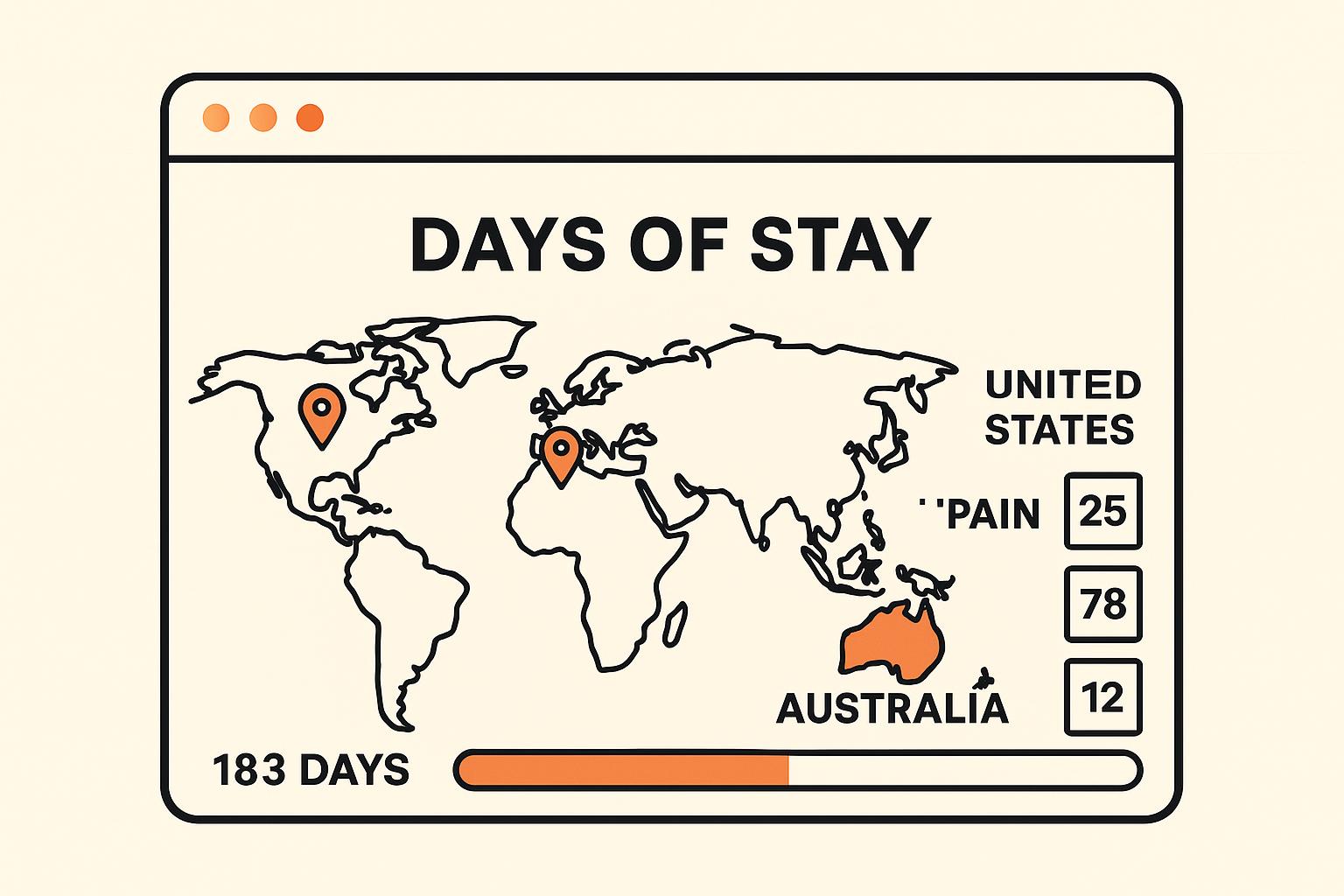
Days of Stay is a free, privacy-first web application specifically designed for tracking tax residency and the 183-day rule. Unlike other solutions, it runs entirely in your browser with no account required and no data collection.
Features
Automatic day counting: Add trips and get instant calculations for each country.
183-day warnings: Visual alerts when you're approaching tax residency thresholds.
Schengen calculator: Built-in 90/180 day tracker for Schengen visa compliance.
Hotel tracker: Separate tool for tracking hotel stays (useful for tax deductions).
Multi-year support: Track across multiple tax years seamlessly.
Privacy-first: All data stays on your device. No servers, no tracking, no accounts.
Offline capable: Works without internet after first load.
Export/Import: Download your data as JSON or CSV anytime.
Free forever: No subscriptions, no premium tiers, no hidden costs.
Open source: Transparent code you can verify.
Pros
✅ Completely free - No trials, no subscriptions, no paywalls ✅ No registration - Start using immediately ✅ Privacy-focused - Your data never leaves your device ✅ Web-based - Works on any device with a browser ✅ Simple interface - Easy to use, no learning curve ✅ Accurate calculations - Handles partial days, overlapping years ✅ Multiple tools - Tax residency + Schengen + Hotel tracking ✅ Actively maintained - Regular updates and improvements ✅ No vendor lock-in - Export your data anytime
Cons
❌ No mobile app (web only) ❌ No automatic trip import ❌ No document storage ❌ No accountant collaboration features ❌ No visa requirement database
How to Use Days of Stay
- Visit daysofstay.com - No signup required
- Click "Open App" - Launches immediately
- Add your trips:
- Select country
- Enter arrival date
- Enter departure date
- Add notes (optional)
- View your status:
- See days per country
- Check 183-day warnings
- Review trip history
- Export if needed:
- Download as CSV for spreadsheets
- Download as JSON for backup
Example Use Case
Scenario: You're a digital nomad who spent:
- 120 days in Portugal
- 90 days in Spain
- 80 days in Thailand
- 75 days in Bali, Indonesia
Using Days of Stay:
- Add four trips with dates
- Instantly see you're safe from tax residency in all countries
- Get warned if you plan another 63+ day trip to Portugal
- Check Schengen calculator to ensure EU compliance
- Export data for your accountant
Privacy Guarantee
Unlike cloud-based apps, Days of Stay stores all data locally in your browser using IndexedDB. This means:
- ✅ No servers can be hacked
- ✅ No company can sell your data
- ✅ No government can subpoena your records from us
- ✅ You maintain complete control
Your travel history is sensitive information. Days of Stay ensures it stays private.
Verdict
⭐⭐⭐⭐⭐ (5/5)
For most digital nomads and expats, Days of Stay offers the perfect balance of features, ease of use, and price (free). While it lacks some advanced features of paid apps, its core tax residency tracking is excellent, and the privacy-first approach is unmatched.
Best for: Anyone who wants accurate, free tax residency tracking without compromising privacy.
Method Comparison: Which Should You Choose?

Here's a comprehensive comparison of all five methods:
| Method | Cost | Ease of Use | Accuracy | Features | Privacy | Best For |
|---|---|---|---|---|---|---|
| Pen & Paper | Free | ⭐⭐⭐⭐⭐ | ⭐⭐☆☆☆ | ⭐☆☆☆☆ | ⭐⭐⭐⭐⭐ | Infrequent travelers |
| Spreadsheet | Free | ⭐⭐⭐☆☆ | ⭐⭐⭐⭐☆ | ⭐⭐⭐☆☆ | ⭐⭐⭐⭐☆ | Spreadsheet lovers |
| Google Calendar | Free | ⭐⭐⭐⭐☆ | ⭐⭐☆☆☆ | ⭐⭐☆☆☆ | ⭐⭐☆☆☆ | Visual thinkers |
| Flamingo | $40/year | ⭐⭐⭐⭐⭐ | ⭐⭐⭐⭐⭐ | ⭐⭐⭐⭐☆ | ⭐⭐⭐☆☆ | Mobile-first users |
| TaxBird | $60/year | ⭐⭐⭐⭐☆ | ⭐⭐⭐⭐⭐ | ⭐⭐⭐⭐⭐ | ⭐⭐⭐☆☆ | Complex tax situations |
| Days of Stay | Free | ⭐⭐⭐⭐⭐ | ⭐⭐⭐⭐⭐ | ⭐⭐⭐⭐☆ | ⭐⭐⭐⭐⭐ | Most people |
Recommendation by Traveler Type
Occasional Traveler (1-3 countries/year)
Recommended: Spreadsheet or Days of Stay
You don't need complex features. A simple spreadsheet or the free Days of Stay app will handle your needs perfectly.
Digital Nomad (4-8 countries/year)
Recommended: Days of Stay or Flamingo
You need reliable automation and 183-day warnings. Days of Stay offers this for free, while Flamingo adds visa tracking for $40/year.
Frequent Expat (8+ countries/year)
Recommended: Days of Stay + Accountant, or TaxBird
Your tax situation is complex enough to warrant professional help. Use Days of Stay for daily tracking and share exports with your accountant. Or invest in TaxBird for built-in accountant collaboration.
Privacy-Conscious Traveler
Recommended: Pen & Paper or Days of Stay
If privacy is your top concern, avoid cloud-based apps. Days of Stay's local-only storage offers the best balance of privacy and functionality.
Budget-Conscious Traveler
Recommended: Days of Stay
Why pay $40-60/year when Days of Stay offers excellent features for free?
Best Practices for Any Method
Regardless of which tracking method you choose, follow these best practices:
1. Track in Real-Time
Don't wait: Log entries and exits immediately, not weeks later. Memory fades quickly.
Set reminders: If you forget easily, set phone reminders to log trips.
2. Keep Supporting Documents
Save everything:
- Boarding passes
- Hotel receipts
- Passport stamps (photos)
- Rental agreements
- Utility bills
Why: Tax authorities may request proof during audits. Your tracking app shows dates, but documents prove you were actually there.
3. Understand Partial Days
Arrival day: Most countries count the day you arrive.
Departure day: Most countries don't count the day you leave.
Example: Arrive in Spain on January 1, leave on January 10 = 9 days (not 10).
Check your country's rules: Some countries have different counting methods.
4. Account for Overlapping Tax Years
Problem: Tax years don't always match calendar years.
UK tax year: April 6 - April 5 US tax year: January 1 - December 31 Australian tax year: July 1 - June 30
Solution: Track by calendar year, then recalculate for each relevant tax year.
5. Review Monthly
Don't wait until year-end: Review your status monthly.
Check for errors: Catch data entry mistakes early.
Plan ahead: If you're approaching 183 days in a country, adjust your travel plans.
6. Backup Regularly
Digital methods: Export data monthly and save to cloud storage.
Physical methods: Scan pages and store digitally.
Multiple backups: Don't rely on a single backup location.
7. Consult Professionals
When to get help:
- Complex multi-country situations
- High income (>$100k/year)
- Uncertainty about tax residency rules
- Facing an audit
What to share: Provide your tracking data to accountants for accurate tax filing.
Common Mistakes to Avoid
Mistake 1: Counting Only Full Days
Wrong: "I was in Spain from January 1-10, that's 10 days."
Right: Most countries count arrival day but not departure day = 9 days.
Impact: Could accidentally trigger tax residency by miscounting.
Mistake 2: Ignoring Tie-Breaker Rules
Problem: The 183-day rule isn't the only factor. If you're a resident in multiple countries, tie-breaker rules apply:
- Permanent home
- Center of vital interests (family, economic ties)
- Habitual abode
- Nationality
Solution: Track these factors too, not just days.
Mistake 3: Forgetting About Schengen
Problem: The Schengen Zone has separate rules: 90 days in any 180-day period.
Impact: You could be compliant with tax residency but violate visa rules.
Solution: Use tools that track both (like Days of Stay's Schengen calculator).
Mistake 4: Not Tracking Transit Days
Question: "I had a 6-hour layover in Frankfurt. Does that count?"
Answer: Usually no, but some countries count any presence. Check specific rules.
Best practice: Track all entries, even brief ones, and note "transit" in comments.
Mistake 5: Relying on Memory
Problem: "I'll remember where I was in March."
Reality: You won't. Especially after visiting 10+ countries.
Solution: Log trips immediately, every time.
Frequently Asked Questions
Q1: Do I need to track tax residency if I'm always traveling?
Yes. Even perpetual travelers can accidentally become tax residents. Many countries use the 183-day rule, and if you spend significant time anywhere, you need to track it.
Q2: What if I lose all my tracking data?
Reconstruct from:
- Bank statements (show locations of transactions)
- Credit card statements
- Flight confirmations in email
- Hotel booking confirmations
- Social media posts with locations
- Passport stamps
Prevention: Regular backups prevent this nightmare scenario.
Q3: Can I use multiple tracking methods?
Yes, and you should. Many people use:
- Primary: Days of Stay or app for daily tracking
- Backup: Spreadsheet for verification
- Evidence: Physical documents in a folder
Redundancy is smart for something this important.
Q4: How far back should I track?
Minimum: Current tax year + previous year
Recommended: 3-5 years (typical audit window)
Ideal: Forever (some countries can audit 7+ years back)
Q5: What if I'm approaching 183 days in a country?
Options:
- Leave before hitting 183 days - Most common solution
- Accept tax residency - If taxes are favorable
- Consult a tax advisor - Explore legal strategies
Don't panic: Plan ahead and you'll have time to adjust.
Q6: Are there countries without the 183-day rule?
Yes. Some countries use different thresholds:
- UAE: 90 days (for some visa types)
- Singapore: 183 days (but with exceptions)
- Monaco: No specific day requirement
Always research specific country rules.
Q7: Do I need to track if I'm a US citizen?
Yes. US citizens are taxed on worldwide income regardless of residency. However, you still need to track for:
- Foreign Earned Income Exclusion (requires physical presence test)
- Avoiding double taxation
- State tax residency
- Other countries' tax obligations
Conclusion: Choose Your Method and Start Today
Tax residency tracking isn't optional for international travelers—it's a legal necessity. The good news? You now have five proven methods to choose from, ranging from free manual tracking to sophisticated paid apps.
Our recommendation for most people: Start with Days of Stay. It's free, privacy-focused, and powerful enough for 90% of use cases. If you later need advanced features like document storage or accountant collaboration, you can always upgrade to a paid app.
The most important step: Start tracking today. Don't wait until tax season to scramble for records. Every day you delay makes reconstruction harder.
Remember: The best tracking method is the one you'll actually use consistently. Choose based on your travel frequency, technical comfort, and privacy preferences—then commit to logging every trip.
Your future self (and your accountant) will thank you.
Take Action Now
Ready to start tracking?
- Try Days of Stay free → daysofstay.com/app
- Read our 183-Day Rule guide → Complete Guide
Need help? Join our community of digital nomads and expats tracking tax residency the smart way.
Last updated: November 2026
Disclaimer: This article provides general information about tax residency tracking methods. It is not tax advice. Tax laws vary by country and individual circumstances. Consult a qualified tax professional for advice specific to your situation.